
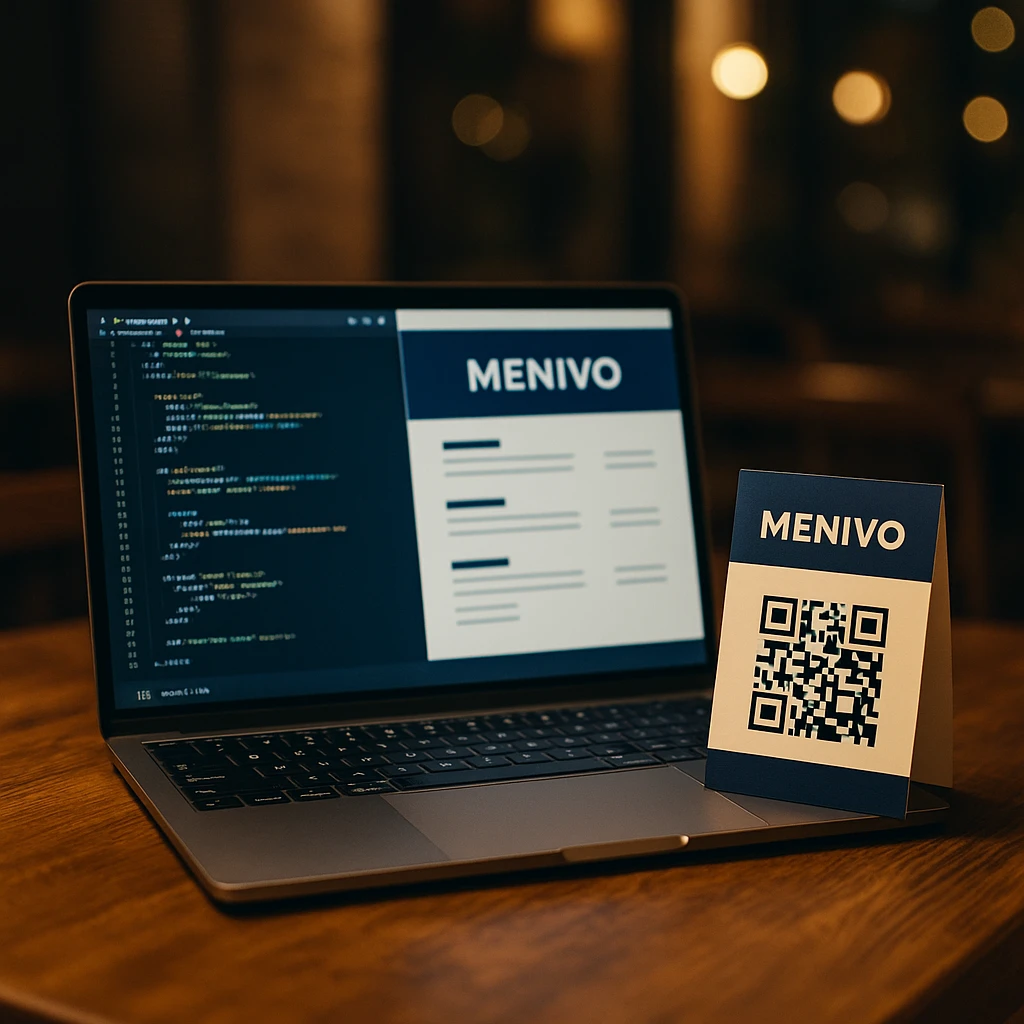
Menivo Prepares for a Major Upgrade
Menivo is preparing for a major upgrade: intelligent waiter marking, print & graphics orders and more local visibility for restaurants
In the coming period we are preparing an important set of new features in Menivo, designed especially for restaurants, bistros, cafes and bars that want more control, speed and visibility.
Below we tell you, briefly and clearly, what we are about to launch and how they will help you concretely in your daily work.
1. Structured address and greater visibility in your city
When registering your restaurant in Menivo, the address will no longer be a simple text field. We will structure it in 3 fields:
County
Municipality
Street and number
Why are we doing this?
We will be able to build a clear directory by municipalities, so that customers can find you easily when they search for:
"restaurants Brașov"
"restaurants Săcele"
"restaurants Cluj" etc.
Your restaurant's page will be positioned better in Google because:
URLs will be optimized by county/municipality
texts on the page will automatically contain formulations like "restaurant in [Municipality], [County] county"
In short: we are preparing you with a clearer and more Google-friendly online presence, so people from your area can reach you more easily.
2. Ecommerce mode for print and graphics orders
We know that physical marketing materials are always a hassle: sometimes you can't find someone quickly, sometimes you have to explain from scratch how your menu looks, sometimes you don't have time to look for offers.
That's why we are preparing a small integrated store in Menivo, dedicated strictly to restaurants on the platform, from where you will be able to order:
Table tags / table numbers
Product labels
Printed menus
Personalized graphics packages (logo, menu layout, promo materials etc.)
Directly from your Menivo account you will be able to:
choose the products and quantities you want
use your restaurant's address as the delivery address
place an order without endless discussions via email or phone
In the medium term, we are also looking at:
predefined packages for newly opened restaurants (everything you need in one set)
"Order Again" function for materials you renew periodically
Purpose: to have in one place both the digital part (Menivo platform), and the physical materials you need at your location.
3. New "Waiter Marking" mode
Faster orders, separate receipts for bar and kitchen, advanced payment options
This is the central piece of the Menivo update. We are preparing a completely new module for managing tables and orders at your location.
3.1. Visual floor plan
The waiter will have a dedicated screen with the hall plan:
tables displayed visually, like "squares" on your restaurant's plan
different colors for:
free table
occupied table
table ready for checkout
quick information: table number, number of people, provisional total, assigned waiter
Purpose: to see at a glance what's happening in the hall.
3.2. Taking orders directly at the table
From the marking module, the waiter:
Selects the table (from the plan or from a list).
Searches for products through a fast search engine (without page reload).
Adds products from a list / grid, with:
+ / -buttons for quantityclear display of name and price
Can add observations for the kitchen:
"no onion"
"no salt"
"no cheese" etc.
After sending the order:
bar products are sent separately to the bar
kitchen products are sent separately to the kitchen
Either through printed receipts, or on a dedicated screen (depending on how the location will be configured).
3.3. Orders displayed on a monitor in the kitchen and bar
Apart from classic receipt printing, we are also preparing the option for orders to be displayed on a monitor in the kitchen and/or bar:
new orders
orders "in preparation"
orders "ready"
The cook or bartender will be able to change the order status with a single click/tap, and the waiter will see in real time when the dishes are ready for serving.
3.4. Order directly from the table by the customer (self-order)
At a next level, Menivo will also allow orders initiated by the customer:
each table will have a unique QR code
the customer scans, sees the digital menu and can send the order directly
the waiter receives a notification and decides:
approves the order and sends it further to the kitchen/bar
or modifies it (if something needs to be discussed with the customer)
This means less time wasted on taking the order and a smoother flow during busy hours.
3.5. Closing the bill: discount, payment split and RO on receipt
When the customer wants to pay, the waiter will have a clear screen for closing the bill:
order total
discount (percentage or fixed amount)
internal notes (reason for discount, if applicable)
Payment methods:
cash
card
meal vouchers
protocol
Very important point: it will be possible to combine multiple payment methods for the same bill.
For example:
100 lei cash
the rest by card
In addition, there will be an option to enter company data (RO) on the fiscal receipt:
VAT ID (RO…)
company name
address
Thus, business customers will receive a receipt with their data correctly filled in, and you will save these customers in your contacts for quick use on subsequent visits.
What's next
All these features are already in the Menivo development plan and we will introduce them gradually, in stages, to ensure that:
they are stable
they are easy for staff to use
they actually solve real problems at the location, not just "check off" a feature list
We will return with:
specific announcements at each launch
tutorials and explanatory materials for waiters, bartenders, cooks and managers
If you're already in Menivo, these updates will bring you more control on the floor, more online visibility and less stress with physical materials.
If you're not yet, now is an excellent time to follow us – Menivo is becoming increasingly the complete platform for management and promotion for restaurants.