
Nutritional Value Calculator for Menu | Menivo
Calories, fats, proteins — completed automatically. How the nutritional calculator in Menivo works
If you have a restaurant, you already know that displaying nutritional values is no longer optional. Clients ask for them, European legislation increasingly recommends them, and some customers make ordering decisions solely based on them. The problem is that manually calculating energy, fats, carbohydrates and proteins for each dish on your menu is a real effort — and often a repeated effort every time you change a recipe or portion size.
At Menivo we solved this with an AI-powered nutritional calculator that automatically estimates values for any product on your menu.
What it calculates and what the result looks like
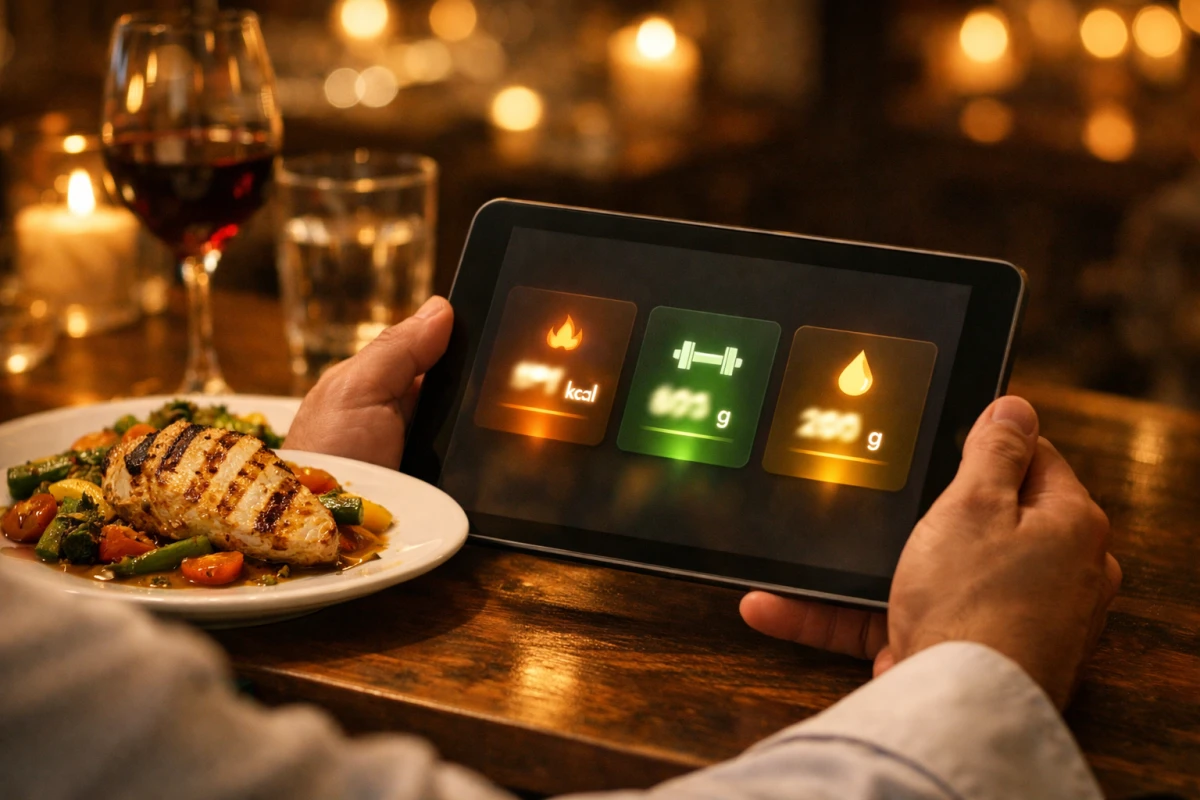
When you add or edit a product in Menivo and activate the AI suggestion, the system analyzes the name of the dish, its description and, if you've filled it in, the list of ingredients and portion weight. Based on this data, it calculates a nutritional estimate for 100g and formats it directly in the standard used in the application:
Energy: 628 kJ / 150 kcal | Fats: 7.2g (saturated: 2.1g) |
Carbohydrates: 12.4g (sugar: 3.8g) | Protein: 8.5g | Salt: 0.8g
The value appears instantly in the product sheet and is visible to your customers when they scan the QR code. You don't have to do any calculations, you don't have to look up nutritional tables — enter the dish and Menivo completes the rest.
And allergens?
The same mechanism works for the 14 allergens regulated by EU Regulation 1169/2011. Based on the product name and description, the AI identifies probable allergens from the complete list — Gluten, Milk, Eggs, Fish, Crustaceans, Molluscs, Peanuts, Tree nuts, Soy, Celery, Mustard, Sesame, Sulfur dioxide and Lupin — and automatically checks them in the product sheet.
You remain responsible for confirmation: the AI suggestion appears pre-selected, but you can adjust it anytime before saving. It doesn't replace human verification, but it eliminates the risk of forgetting an obvious allergen in a dish with many ingredients.
Why it's useful in practice
Manual nutritional calculation requires either a nutritionist or hours spent with USDA tables or food databases. For a restaurant with 40–80 dishes on the menu, it's a significant volume of work that repeats with every recipe or seasonal update.
With Menivo, the workflow becomes: enter the dish → add the description → press "Suggest AI" → review and save. Seconds instead of minutes for each product.
The system uses intelligent caching, which means that if the same product is encountered again (same name, description and portion), the response is returned instantly without a new AI call.
What you need to know about accuracy
Estimates are generated based on general culinary knowledge, not on the exact recipe from your kitchen. Values may vary from a laboratory analysis, depending on ingredient suppliers, preparation technique or portion variations.
We recommend treating the generated values as a solid starting point and adjusting them if you have more accurate data from suppliers or from your own analyses. For restaurants with strict labeling requirements (e.g. chains or units with customers with severe allergies), final validation remains your team's responsibility.
Availability
The nutritional estimation and AI allergen suggestion feature is available to subscribers of plans that include access to AI features (has_ai_translation and nutrition features). Check your plan in your account settings or contact us if you want to find out what your current subscription includes.
Your menu can be complete, correct and compliant — without spending hours in Excel spreadsheets.
Menivo — digital QR menu for restaurants, bars and cafes.