
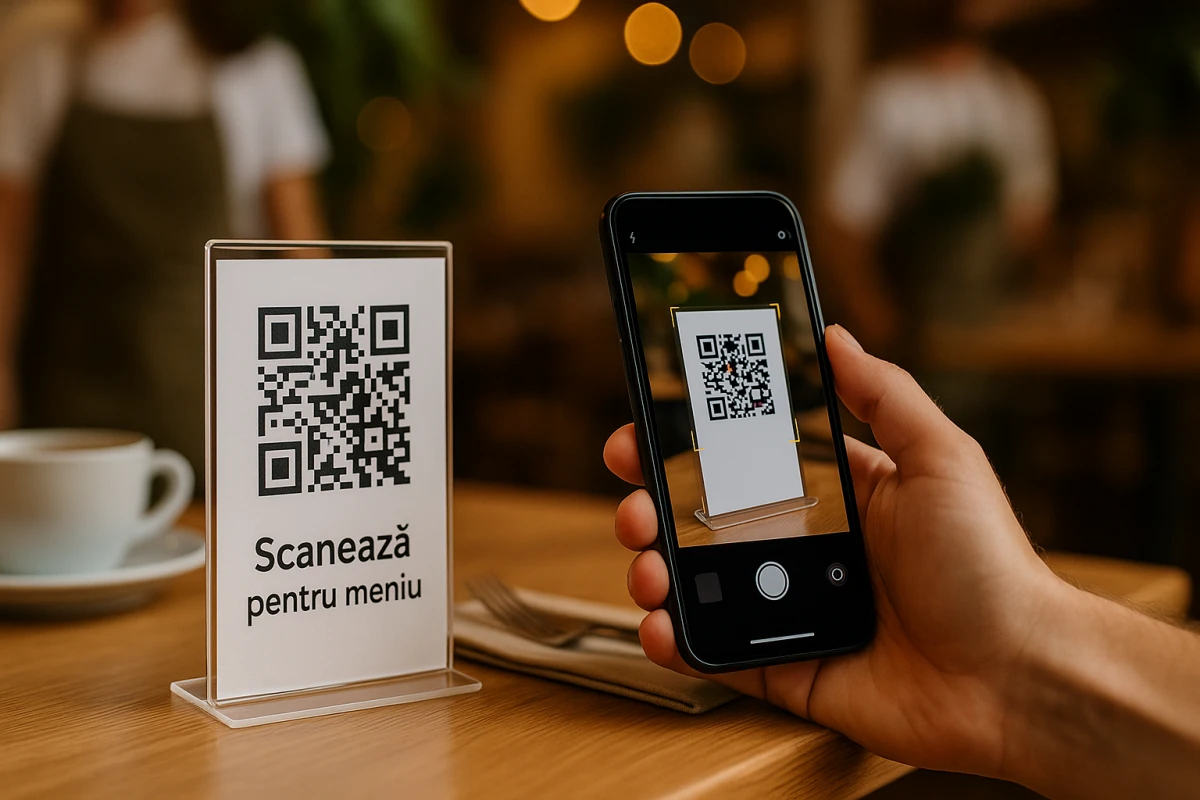
What is a QR code and how does it work?
Quick Response, or QR Code is a two-dimensional version of the barcode capable of transmitting a wide variety of information almost instantaneously with the scanning of a mobile device.
Capable of storing up to 7089 digits or 4296 characters, including punctuation marks and special characters, the QR Code can equally encode words and phrases such as internet addresses. One thing you must always keep in mind, especially when it comes to the aesthetic design of static QR codes, is that the more data is added, the larger the size becomes and its structure becomes more complex.
Even when damaged, the data keys of the QR Code structure include duplications. Because of this, it is possible that up to 30% of the Code structure may suffer damage without affecting its readability on scanners.
The QR Code: a brief history
In 1994, DENSO WAVE, a subsidiary manufacturing company, needed better, faster and more powerful barcode technology to process larger quantities of characters and to help them track vehicles and parts. Masahiro Hara, together with a team of two, took on the task of developing what we now know and recognize as QR code.
Some of the most challenging problems for Hara and his team were to find a way to make reading 2D codes as quickly as possible, while preventing false recognition once the position detection pattern shape was added. It had to be unique, which meant that the development team spent the better part of a year surveying the ratio of black and white areas, after reducing them to patterns on printed materials. The results? They identified the ideal ratio as being 1:1:3:1:1.
By identifying this number, they managed to determine the black and white areas in the position detection pattern which allowed the Code to be detected regardless of the scanning angle. In short, this unique ratio simply meant that you could scan it from top, bottom, left or right.
Although the initially targeted field for the use of QR code was the manufacturing industry, with the growth of smartphone usage and the fact that it remained patent-free, it became an open-source technology, available to anyone and everyone.
Now you can find QR codes that elegantly provide large amounts of information and redefine printing towards the digital marketing scene.
How to scan a QR code?
Nowadays, newer versions of smartphones have a QR code reader built into the phone's camera, such as Bixby Vision for Samsung and iOS 11 operating system for Apple. But no worries. If your phone does not have a QR code reader, there are plenty of options in app stores that are easy to download and use with just a button press. We have prepared a guide for Android and iOS to make it easier for you as well.